

Submission Forms

Use the SiteViz Submission Forms module to create and manage custom submission forms that are displayed on the website. Create as many online forms as you can possibly imagine, ranging from a simple 'Contact us' form to a complicated multi-step ‘Mortgage application’ form that accepts payments. As soon as a user submits a form, an instant email notification is generated and sent to the associated email addresses. The submissions may also be viewed within SiteViz and exported as CSV or PDF files.
Wide Selection of Fields
Create an unlimited number of form fields choosing from Standard Fields, Advanced Fields, and Separators.

Standard fields are to be used when asking for input/answers to questions from your users. They include Single-line Text, Multiple-line Text, Paragraph Text, Drop-down Answers, Check Boxes, Radio Buttons, and File Upload.
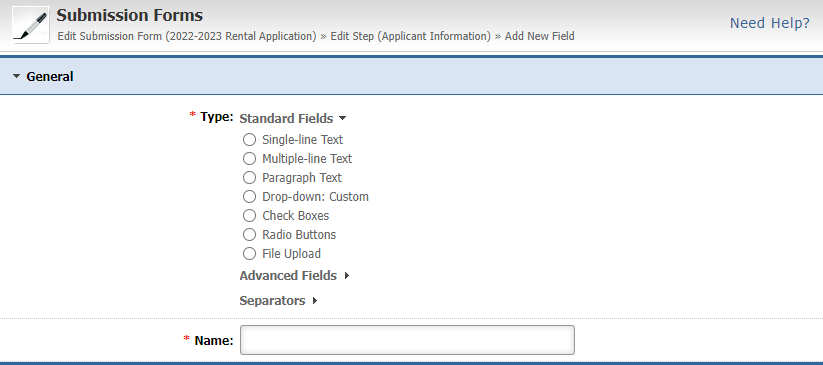
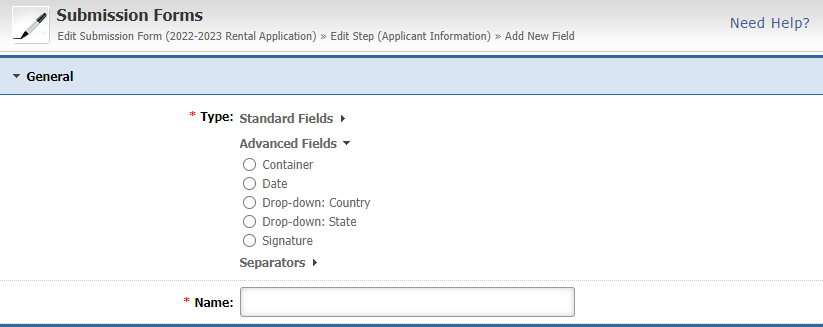
Advanced fields are very similar to Standard fields, but they offer more advanced pre-defined selections that can make data input a lot easier. They include Date, Country Drop Down, State Drop Down, and a Signature field that a user can draw online.
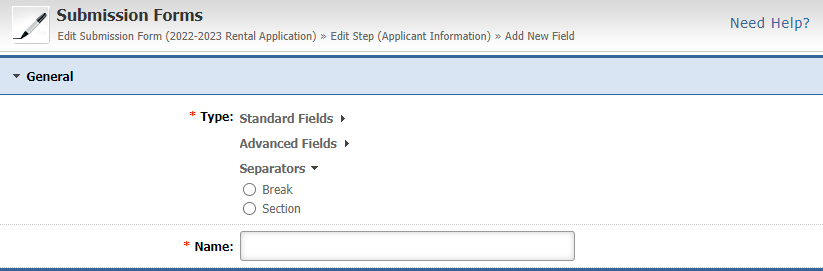
Separator fields allow you to enter a break in your submission form either in the form of a simple separator or a section, allowing you to organize its structure more effectively and make it easier for your visitors to fill it out.
You can define if a Submission Form has multiple steps so that you can organize its structure more effectively and make it easier for your visitors to fill it out.

General Features
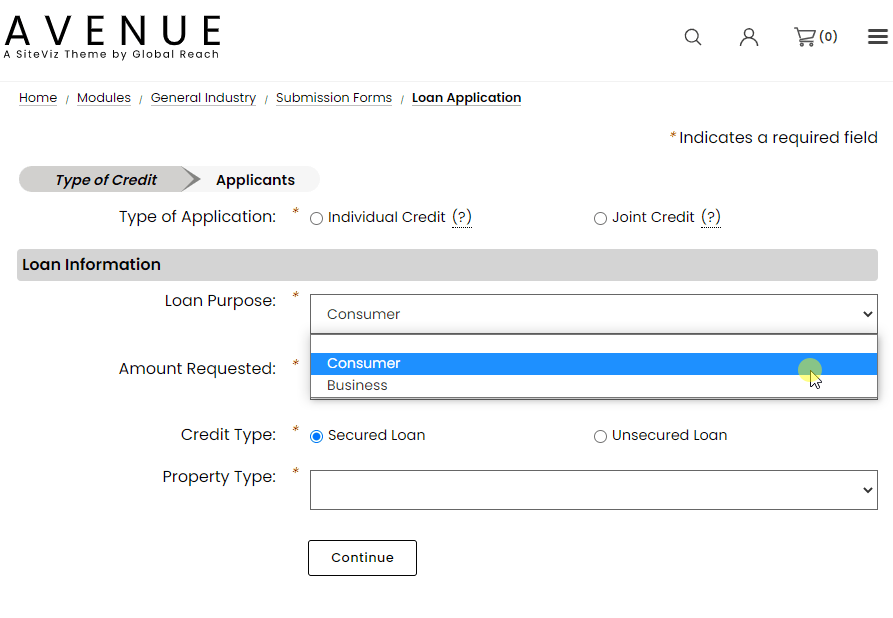
You can create conditional fields so that a user will be presented with a different set of questions depending on the responses they provide.
Container fields allow you to capture the same information multiple times for the same group of information, such as previous employers or previous addresses.

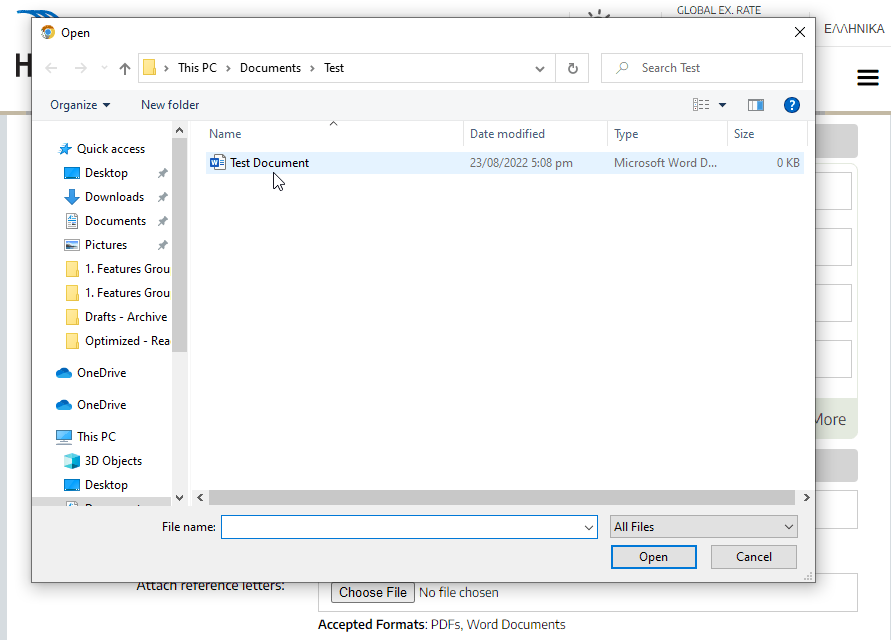
When creating a submission form you can also upload associated documents, such as instructions, regulations, or anything else that a user may need to take into account when filling out a form.
The payments extension of the Submission Forms module allows the creation of any type of online form that can capture whatever information you want from a user and allow them to make a payment such as a donation, through your website.

Manage Submission Forms
Administrators can easily view all or a specific submission, such as a complaint submitted by a user, onscreen, or in the form of a pdf.
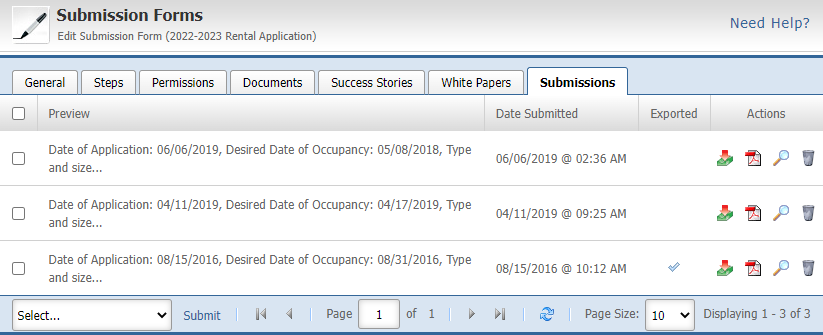
In addition to the ability to view a submission online, you also have the option to filter and export in excel format the data of multiple submission forms so that you can process the data further.

Do you need to create a Submission Form that is similar to another you created in the past? No problem! You can just copy an existing form and make the changes you want to make as opposed to creating it from scratch.

Do you need to publish the same submission form on multiple pages? The Submission Forms module allows you to easily select all the pages on which the same submission form will be displayed.

Personal Privacy Features
Select to encrypt the information submitted in a specific field if the information requested involves personal or sensitive data. Selecting this option encrypts the data in the database and prevents it from being communicated via email or from getting displayed unless the data is accessed by an authorized administrator.
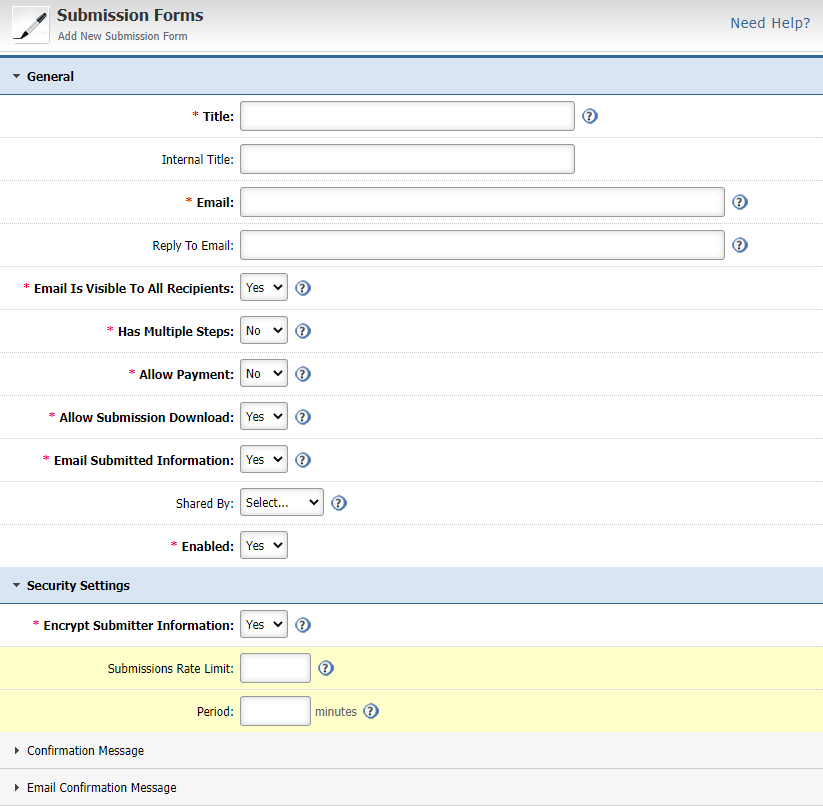
Select to automatically delete the data collected from a submission form if such data is personal and you are legally obligated to retain such data only for as long as it is necessary to fulfill the purposes for which the personal data was collected.
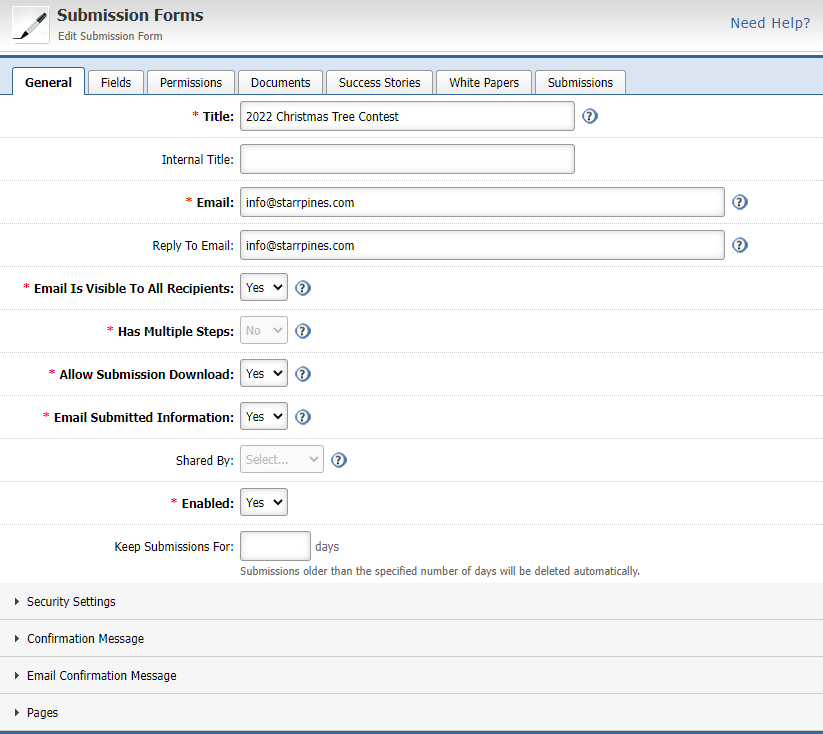
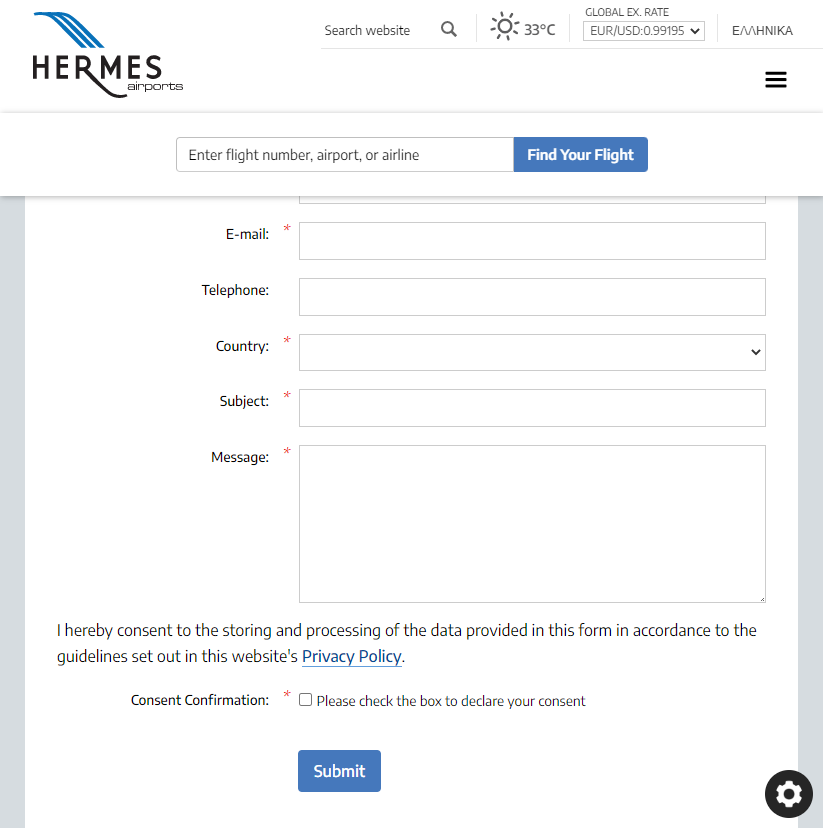
Add a consent confirmation to all submission forms on your website, which will be captured and retained as proof of receiving a user’s explicit consent when they provided any personal data.

Want to learn more? Schedule a free demo!
Seeing is believing. Contact us today for a personal demonstration and discover what SiteViz CMS can do for you!


